
本教程基于Ubuntu 18.04.4 LTS

通过docker启动nginx服务
1 | # 启动nginx注意开放443端口 |
acme.sh 申请Let’s-Encrypt SSL
使用acme.sh生成SSL证书
安装
1 | $ curl https://get.acme.sh | sh |
DNS mode 申请证书
Cloudflare Option: 免费域名不支持API访问,我放弃了
Currently Cloudflare doesn’t allow API access in free tld domain. You will get the Txt records insert failed. Make sure to verify your api token before editing dns_cf, you can alternatively use DNS manual mode if you are using free tld on cloudflare.
DNSPod.cn Option:
设置环境变量
1 | export DP_Id="1234" |
Ok, let’s issue a cert now:
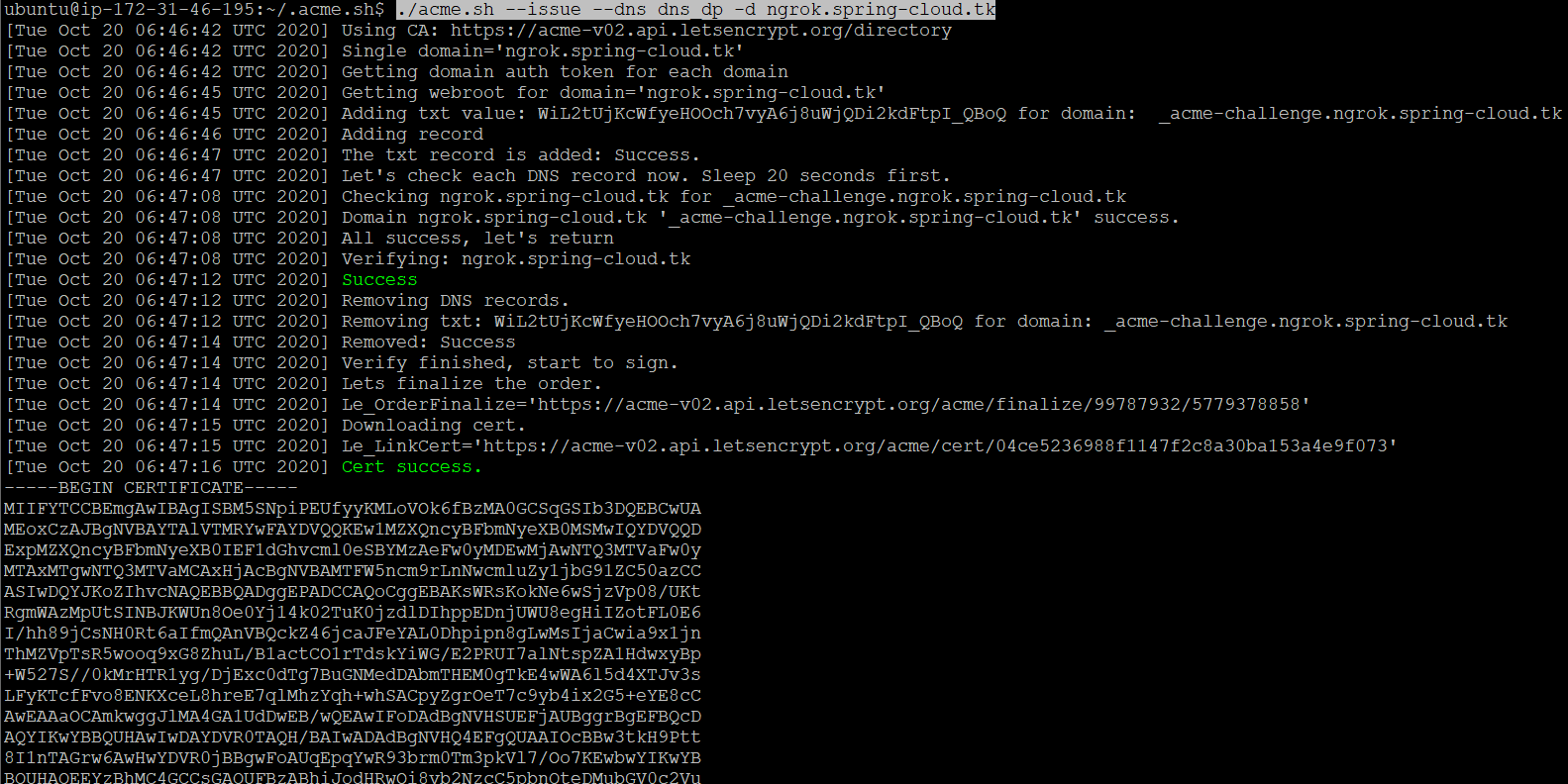
1 | ./acme.sh --issue --dns dns_dp -d ngrok.spring-cloud.tk |
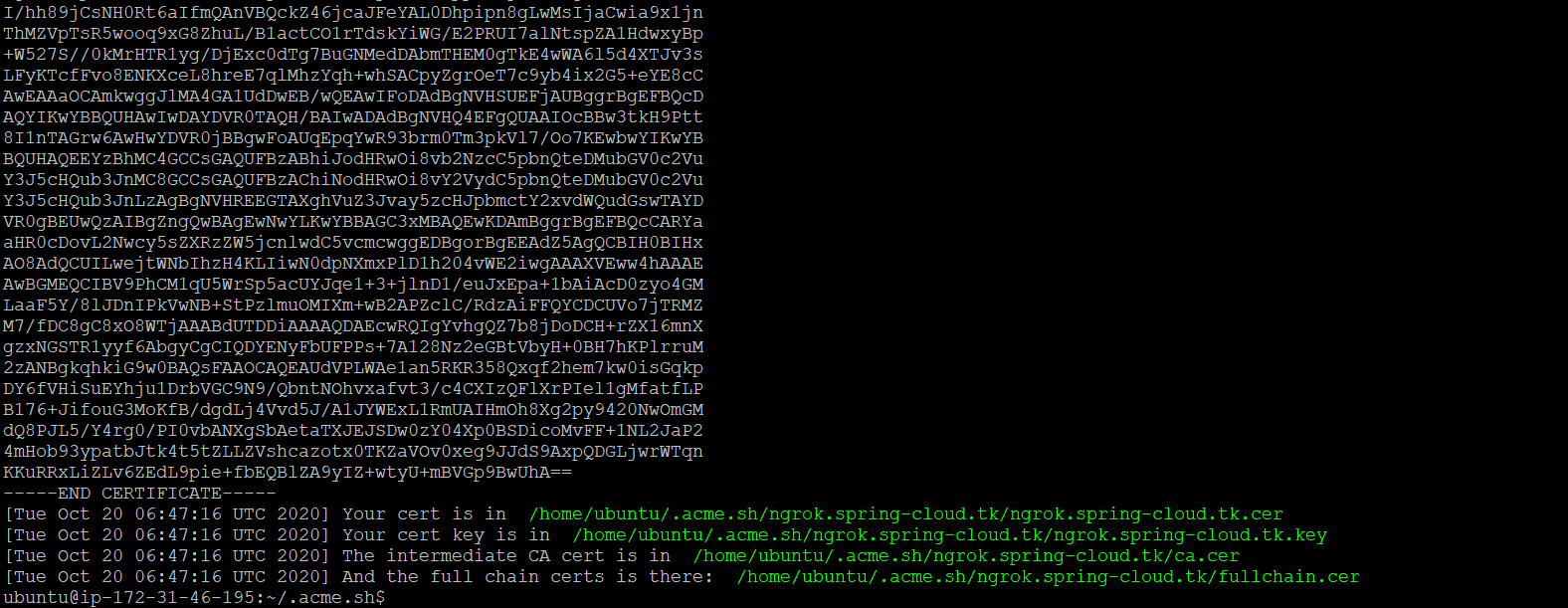
申请成功如下图:
通配符域名
1 | ./acme.sh --issue --dns dns_dp -d *.ngrok.spring-cloud.tk |
- ngrok.spring-cloud.tk.key (private.key)
- fullchain.cer
复制证书到nginx下面
1 | sudo cp -R /etc/letsencrypt/ /data/.nginx/letsencrypt |
ngrok.spring-cloud.tk.conf 配置文件
ngrok通配符域名
注意ssl的proxy_pass指向到指定主机的80端口
1 | server { |