
去掉win8.1的桌面快捷方式图标(必须以管理员运行)
1 | reg add "HKEY_LOCAL_MACHINE\SOFTWARE\Microsoft\Windows\CurrentVersion\Explorer\Shell Icons" /v 29 /d "%systemroot%\system32\imageres.dll,197" /t reg_sz /f |
去掉win8.1的桌面快捷方式图标(必须以管理员运行)
1 | reg add "HKEY_LOCAL_MACHINE\SOFTWARE\Microsoft\Windows\CurrentVersion\Explorer\Shell Icons" /v 29 /d "%systemroot%\system32\imageres.dll,197" /t reg_sz /f |
1 | vim /etc/firewalld/firewalld.conf |
开放端口 2381 端口是必须的
1 |
|
1 | kubectl apply -f https://addons.kuboard.cn/kuboard/kuboard-v3.yaml |
1 | kubectl get pods -n kuboard -o wide |
http://your-node-ip-address:30080adminKuboard123淘宝npm镜像站全新上线
Web界面地址:https://npmmirror.com
npm 客户端使用地址:https://registry.npmmirror.com
1 | npm config set registry https://registry.npmmirror.com/ |
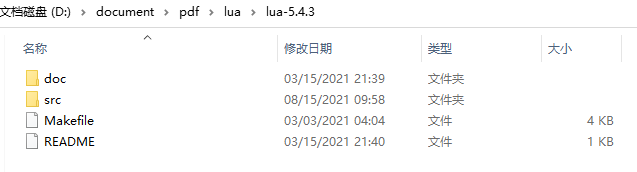
http://www.lua.org/versions.html
使用 Windows Desktop Wizard (Windows桌面向导) 新建工程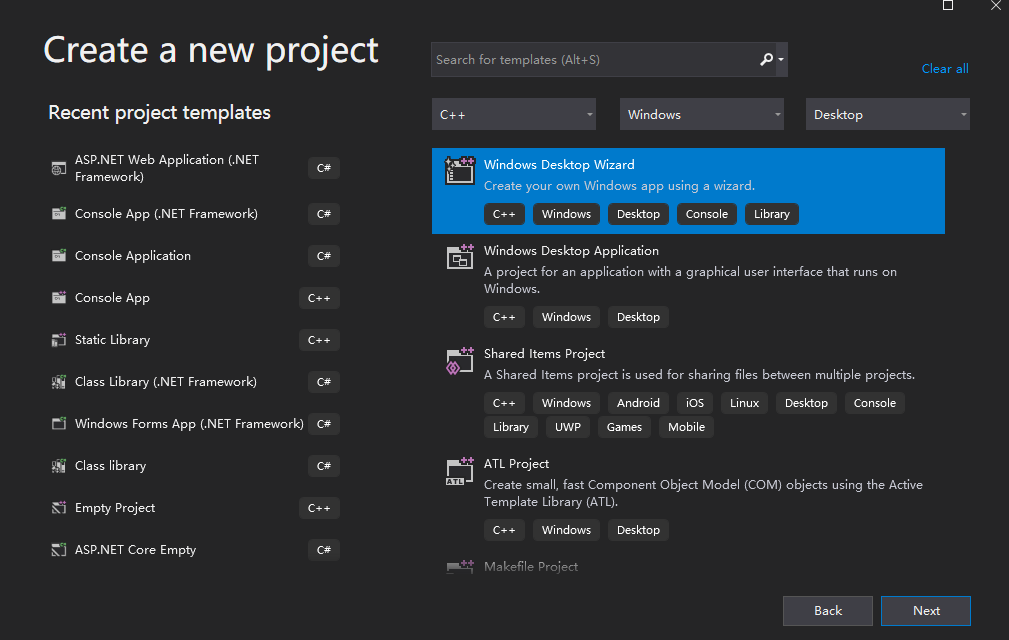
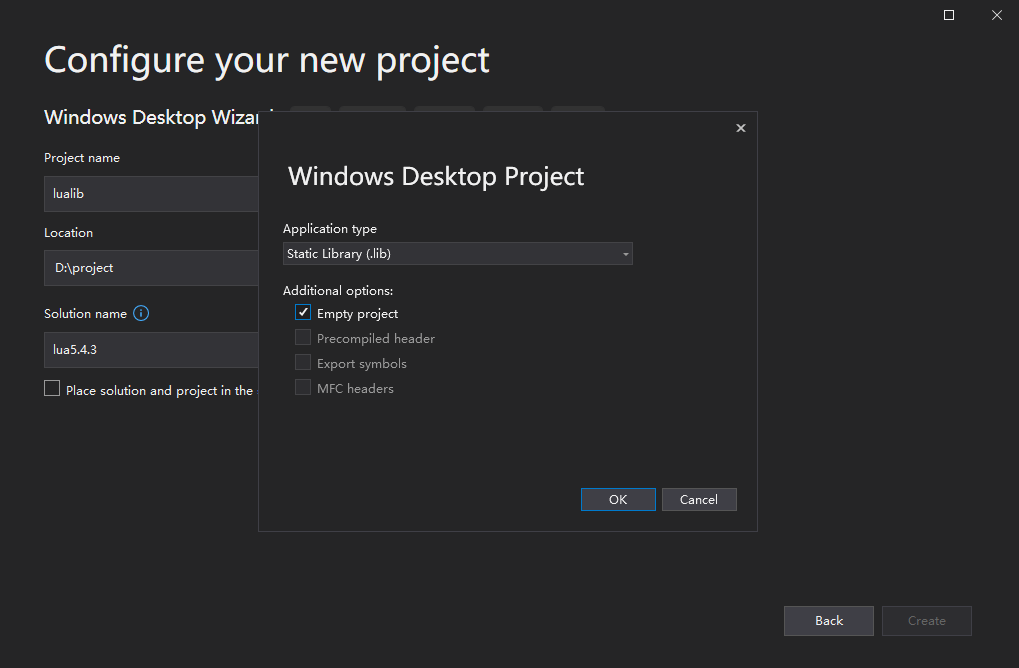
类型选择 Static Library (静态库) 空项目
TPC 端口
1 | ## 临时连接 |
UDP 端口
1 | ## 临时监听 |
1 | yum install -y nfs-utils |
配置共享目录
1 | mkdir -p /data/nfs |
1 | 编辑/etc/exports文件,此文件初始状态下什么內容都沒有,自己加吧。 |
客户端安装
所有的 k8s node 节点都需安装 nfs 客户端
测试客户端是否可用
1 | mkdir /test |
开墙
查看端口开放情况
1 | rpcinfo -p |
nfs、portmapper 端口是固定的
1 | ## nfs |
mountd、nlockmgr、rquotad 设置固定的端口
在 /etc/sysconfig/nfs 打开默认端口配置
vim /etc/sysconfig/nfs
1 |
|
1 |
|
开始使用
1 | mount -t nfs hub.me.io:/data/nfs /test |
1 |
|
https://kubernetes.io/docs/tasks/configure-pod-container/configure-pod-configmap/
1 | ## 编辑 ConfigMap |
基于 harbor-offline-installer-v2.3.2.tgz 搭建私有镜像仓库。
前置条件
1 | 1. 安装docker |
生成证书
1 | mkdir -p /data/cert && chmod -R 777 /data/cert && cd /data/cert |
部署安装
1 | tar -zxvf harbor-offline-installer-v2.3.2.tgz |
1 | ## ifconfig netstat 等命令 |
1 | wget http://www.tcpdump.org/release/libpcap-1.10.1.tar.gz |
1 | tcpdump -i ens33 src 192.168.18.137 |
| hostname | ip | |
|---|---|---|
| k8s-master | 192.168.18.160 | |
| k8s-node01 | 192.168.18.161 | |
| k8s-node02 | 192.168.18.162 | |
| k8s-node03 | 192.168.18.163 |
1 |
1 | # yum -y install wget |
安装依赖
1 | # yum install -y vim wget curl ntpdate ntp net-tools git \ |
缺失模块。
1、请确保node版本大于6.2
2、在博客根目录(注意不是yilia根目录)执行以下命令:
npm i hexo-generator-json-content --save
3、在根目录_config.yml里添加配置:
  jsonContent:
    meta: false
    pages: false
    posts:
      title: true
      date: true
      path: true
      text: false
      raw: false
      content: false
      slug: false
      updated: false
      comments: false
      link: false
      permalink: false
      excerpt: false
      categories: false
      tags: true